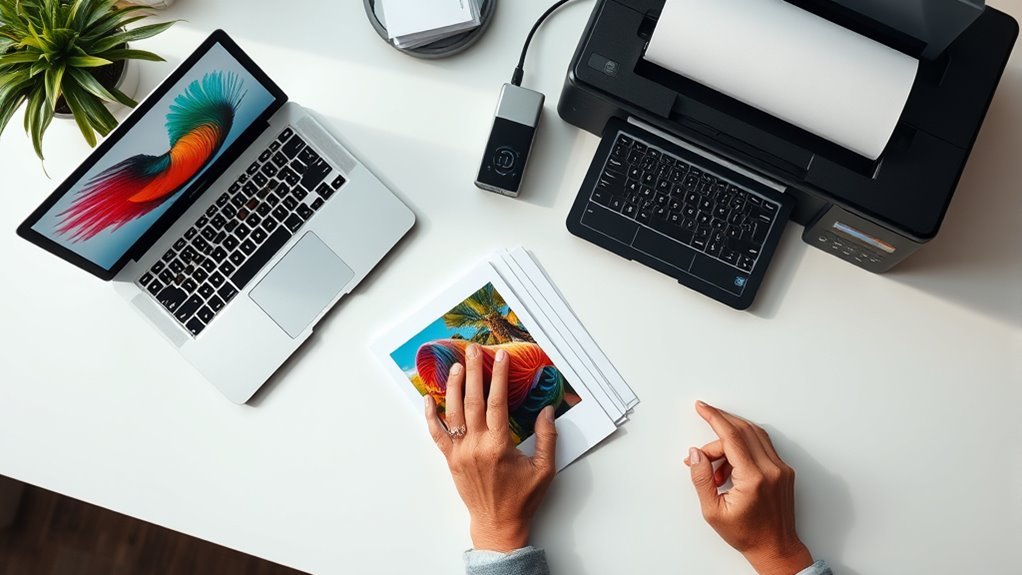
How to Print Digital Art in 5 Easy Steps
To print your digital art in five easy steps, start by setting your image resolution to at least 300 DPI. This ensures your print looks sharp and professional.
Also, convert your file from RGB to CMYK to get accurate colors that match your screen.
Next, choose paper with the right finish and weight that complements your artwork. Matte, glossy, or textured paper can each give a different feel.
Adding bleed and safe margins is important too, so you don’t end up with unwanted white edges after trimming.
You can decide between printing at home for convenience or using professional printing services for the highest quality results.
Finally, always do a test print to check that colors and details come out just right.
Keep reading for tips that will help your digital art prints truly stand out!
Key Takeaways
- Prepare your digital art by setting the resolution to 300 DPI and sizing it for print. Convert to CMYK, and save your work in lossless formats.
- Choose suitable paper and finish, like matte or glossy, depending on your artwork’s style and the texture you want.
- Add bleed (0.125–0.25 inches) and safe margins. This means extending backgrounds for clean trimming and including crop marks.
- Select the right printing method, whether it’s a home inkjet printer or a professional Giclée service. Just make sure your files are high-resolution.
- Check color and detail accuracy with test prints. Also, don’t forget to calibrate your monitor and use soft-proofing tools to keep your prints true to your design.
Prepare Your Digital Art for Printing: Resolution and Color
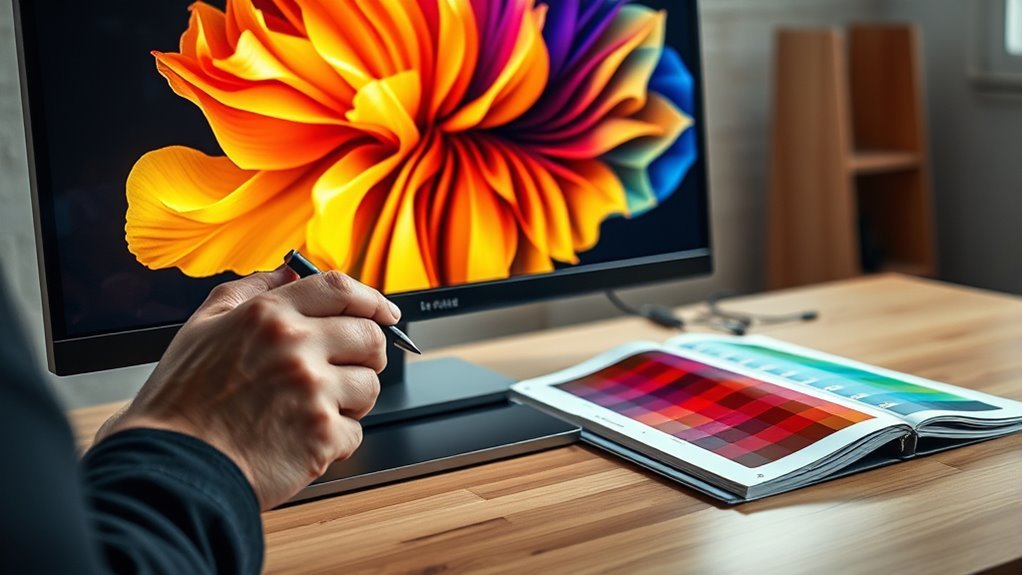
Before you print your digital art, make sure to set the resolution to at least 300 DPI to guarantee sharp, high-quality results. You’ll want to adjust your image dimensions to match your desired print size multiplied by 300 pixels per inch—for example, an 8×10-inch print needs to be 2400×3000 pixels.
Set your digital art to 300 DPI and size it to print dimensions times 300 pixels per inch for sharp quality.
Next, convert your color mode from RGB to CMYK to assure accurate color reproduction in print. Don’t forget to embed the correct color profiles to maintain color consistency.
Save your artwork in lossless file formats like TIFF or PNG to preserve all details and avoid compression artifacts. Before finalizing the print, use soft proofing tools to simulate how colors will appear on paper.
And it’s always a good idea to run test prints to check for any issues in resolution or color fidelity. Following these steps will help you produce high-quality prints that truly reflect your original digital art.
Choose the Best Paper and Finish for Printing Digital Art
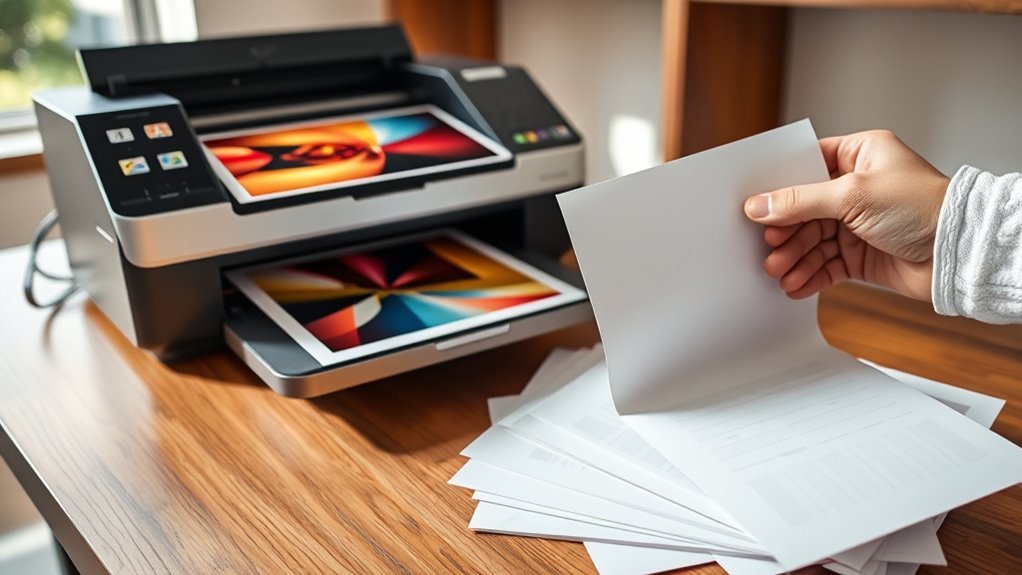
Once your digital art is perfectly prepared with the right resolution and color settings, the next step is selecting the paper and finish that will best showcase your work. The best paper type depends on your desired effect: matte paper is excellent for detailed artwork and reduces glare, making it ideal for bright environments.
Glossy paper, on the other hand, boosts print vibrancy and depth, giving your art a more striking, luminous look. If you want tactile texture, consider fine art papers like watercolor or linen, which add premium feel and visual interest to the print surface.
Don’t forget paper weight—heavier papers (200-300 gsm) improve print durability and support high-quality art prints. For a balanced option, a satin print finish offers subtle sheen, combining the benefits of matte and glossy while maintaining vibrant colors without excessive glare.
Choosing the right combination guarantees your digital art prints will impress with both appearance and longevity. It really makes all the difference when you want your work to stand out.
Add Bleed and Margins to Avoid White Edges
Adding at least 0.125 to 0.25 inches of bleed around your digital artwork guarantees your print covers the entire page without unwanted white edges. When setting up your artwork, extend background colors or patterns into this bleed area to prevent white borders after trimming.
Keep all important design elements within the safe margin—usually 0.25 inches inside the trim line—to avoid accidental cropping. Including crop marks in your file acts as a trimming guide, helping ensure precise cuts that align with your intended size.
Before finalizing your artwork setup, double-check that your file dimensions account for the bleed area and match printer specifications. Proper print preparation like this not only prevents white edges but also ensures your digital artwork looks professional and polished.
Choose Your Printing Method: Home or Professional
Now that you’ve prepared your artwork with proper bleed and margins, it’s time to decide how you’ll bring your digital creation into the physical world.
When choosing your printing method, consider home printing if you want convenience and control. Inkjet printers offer resolutions between 300-600 DPI, producing vibrant prints with good color accuracy.
Home printing offers convenience and control, with inkjet printers delivering vibrant, accurate colors at 300-600 DPI.
For home printing, select high-quality photo paper—glossy or matte—to match your artwork’s style.
Professional printing, on the other hand, uses advanced equipment like Giclée or large-format printers. These deliver superior print quality, especially for larger print sizes or batch orders.
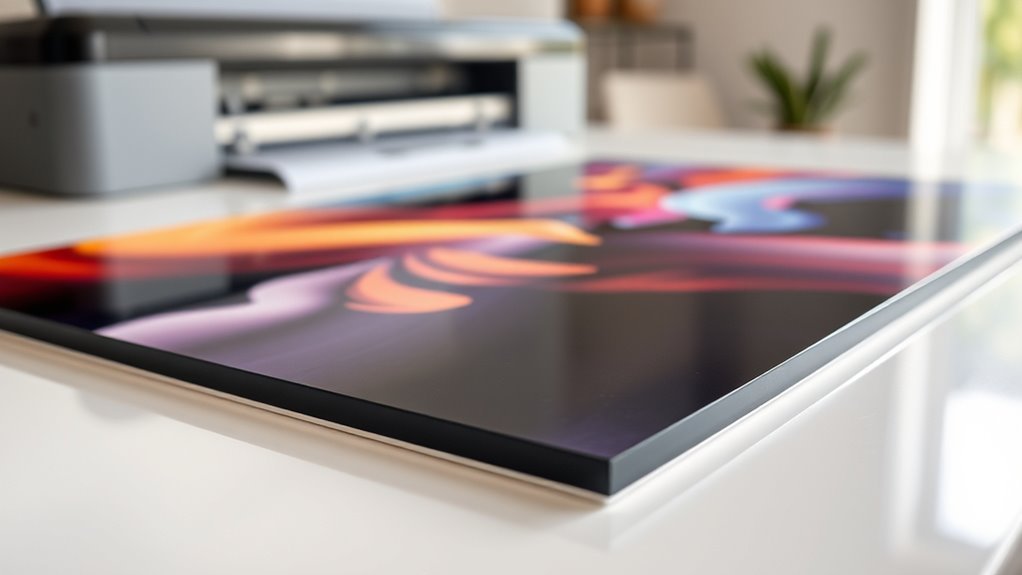
These services often provide specialized art papers, canvas, or acrylic substrates, ideal for gallery-quality results.
Your choice depends on your budget, desired print size, volume, and how important color accuracy and finish are to you.
Regardless of your decision, make sure your digital files are high resolution to maximize print quality.
Check Your Printed Digital Art for Color and Detail Accuracy
Although printing your digital art feels like the final step, you shouldn’t skip checking a test print for color and detail accuracy. This proofing process guarantees your artwork’s color fidelity and intricate details translate well from screen to paper.
Start by ordering a test print to perform a thorough print comparison with your digital file. Use monitor calibration and soft-proofing tools to predict how colors and textures will appear once printed.
Keep these tips in mind for accurate results:
- Watch for color shifts when converting from RGB to CMYK to maintain true hues.
- Examine your print under different lighting to assess color vibrancy and contrast.
- Compare your print at 100% zoom against the digital file for detail verification.
- Regularly calibrate your monitor and printer to boost overall color accuracy.
Frequently Asked Questions
What Is the Best Way to Print Digital Art?
The best way to print digital art is to use a 300 DPI file in CMYK mode. Choose high-quality giclée printing to get the best results.
Make sure to prepare your file with bleed and crop marks. Also, pick suitable paper that complements your artwork.
It’s a good idea to order a test print first. This way, you can check the colors and details before printing the final piece.
What Are the 7 Steps in Processing Screen Printing?
You’ll design the artwork and create the stencil. Then, coat the screen with emulsion.
Next, expose it to light and wash out the unexposed emulsion. After that, dry the screen.
Finally, set up and print your design onto the substrate. It’s a straightforward process once you get the hang of it!
How to Do Digital Art as a Beginner?
You’ll want to start with beginner-friendly software like Procreate or Krita. Practice basic techniques like layering and brush settings.
Follow tutorials, experiment often, and join online communities to get feedback. This will help you improve your skills confidently.
What Are the 5 Steps of Art?
Think of creating art like baking a cake: you start with an idea, sketch the recipe, refine the mix, add colors like frosting, and finally, present your masterpiece.
These five steps guide your creative journey smoothly.
It’s kind of like following a recipe but with your own personal touch.
Each step builds on the last, making sure your art turns out just right.
Conclusion
Printing your digital art might seem like a hassle, but with the right prep and choices, it’s a breeze. While digital files feel intangible and fleeting, printing makes your artwork tangible and timeless.
From setting the perfect resolution to picking the right paper, each step transforms your screen creation into a physical masterpiece. So don’t let your art stay trapped in pixels—bring it to life with color and detail that jump off the page.
Printing digital art is all about turning your creative vision into something real and lasting. By optimizing your file resolution, choosing quality paper, and selecting the best printing method, you ensure your artwork looks stunning. This process not only enhances the colors and textures but also gives your digital designs a new dimension. So go ahead—print your digital art and watch your creations come alive, making a bold statement beyond the screen.